

Restaurant Menu Update
Change a price or add a short special on a finished menu image.
Photo Text Editor
Upload a JPG, PNG, WebP, or screenshot, select the words to change, and let the AI replace image text while matching the surrounding font style, color, spacing, and background. No Photoshop or source file required — ideal for e-commerce photos, marketing banners, and multilingual labels.
Example
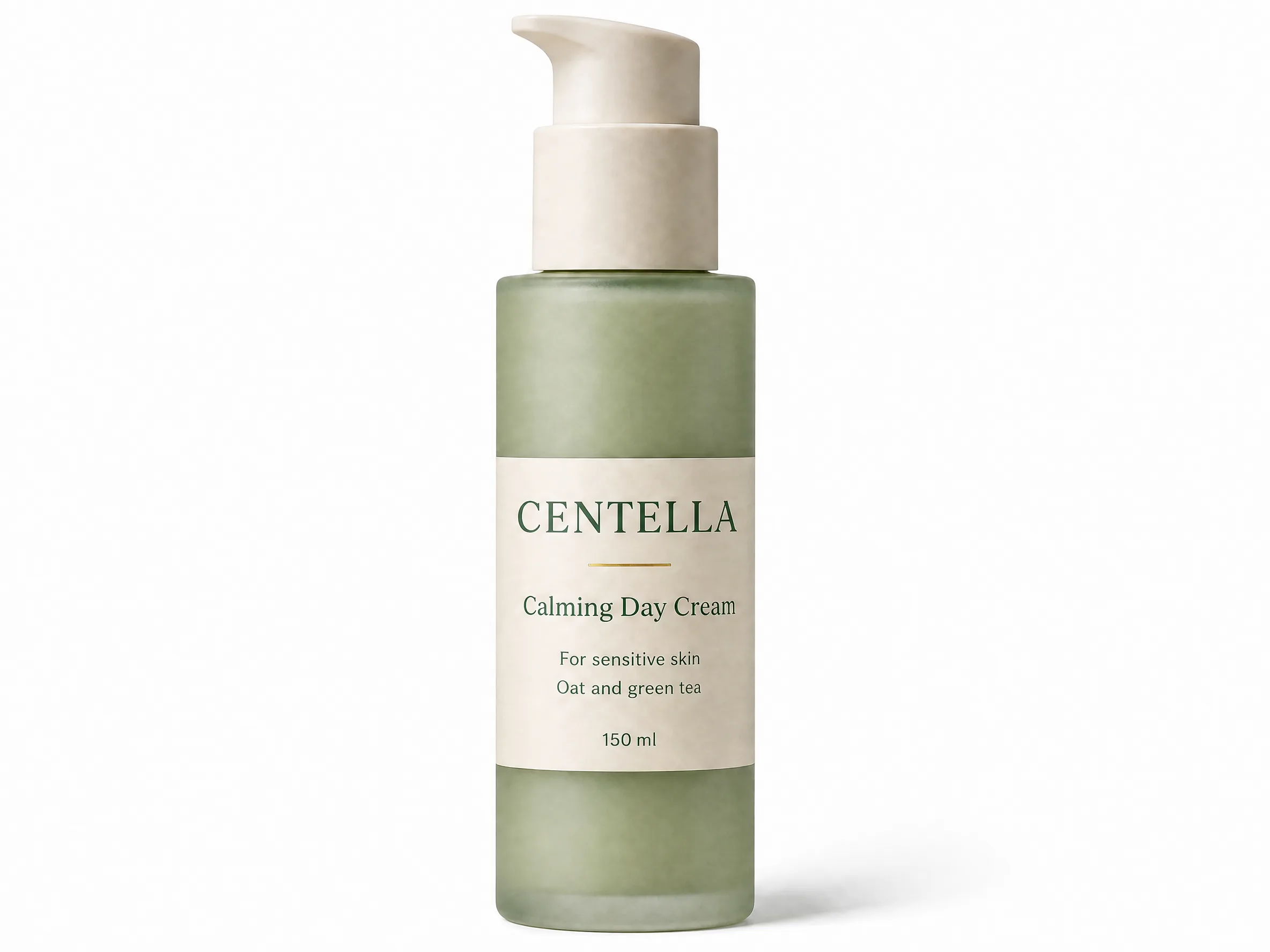 Before
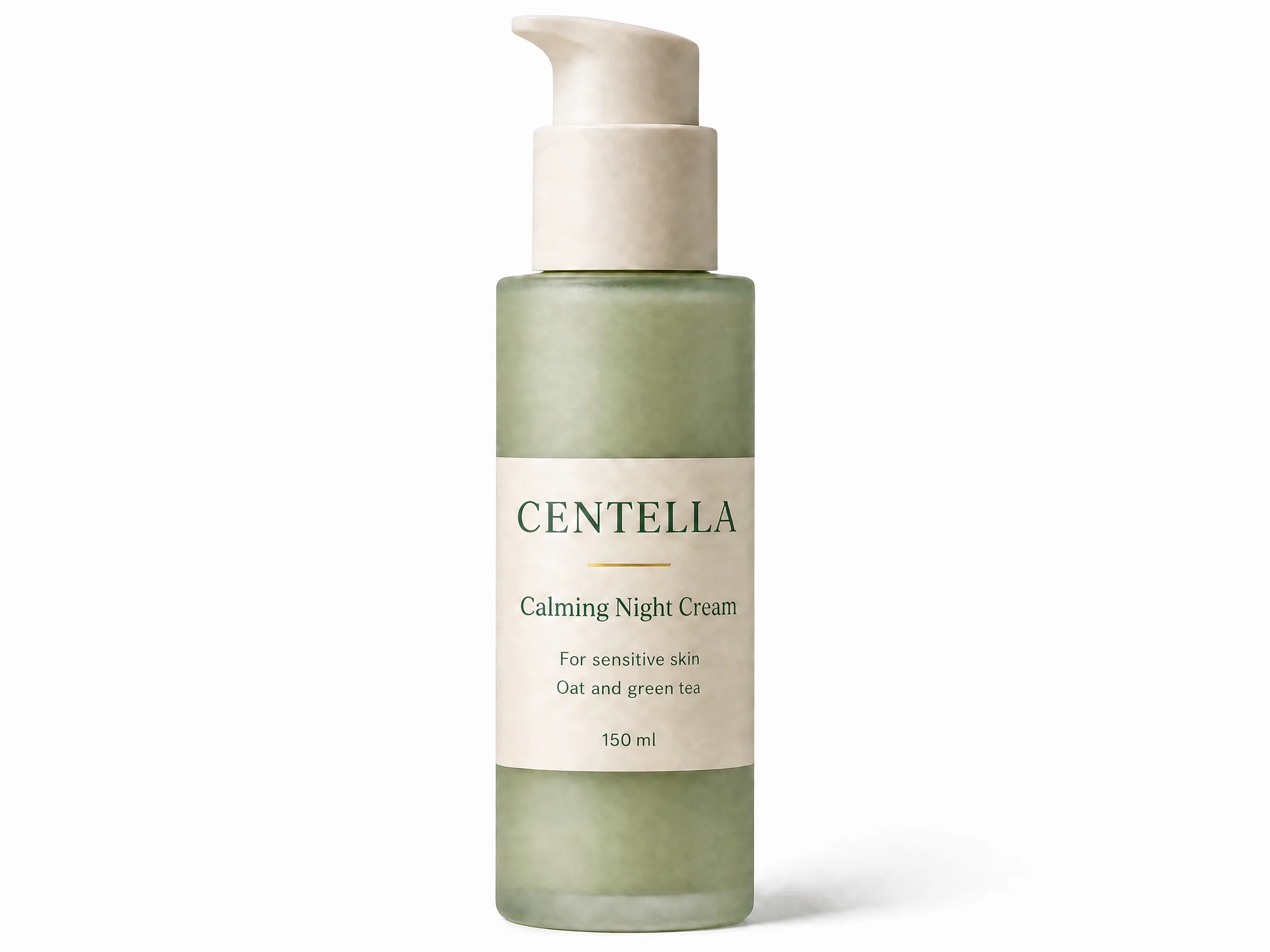 After
After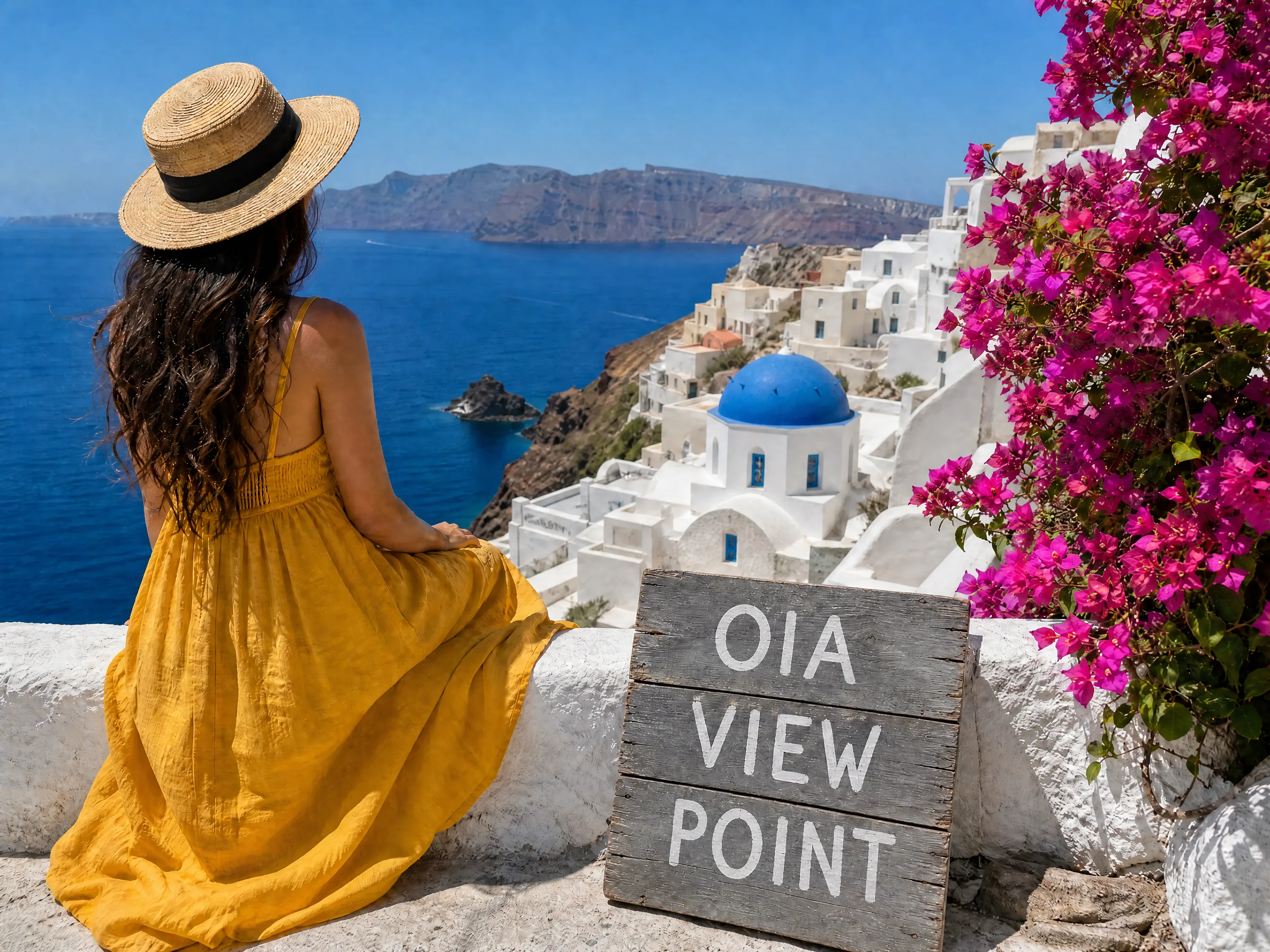 Before
 After
After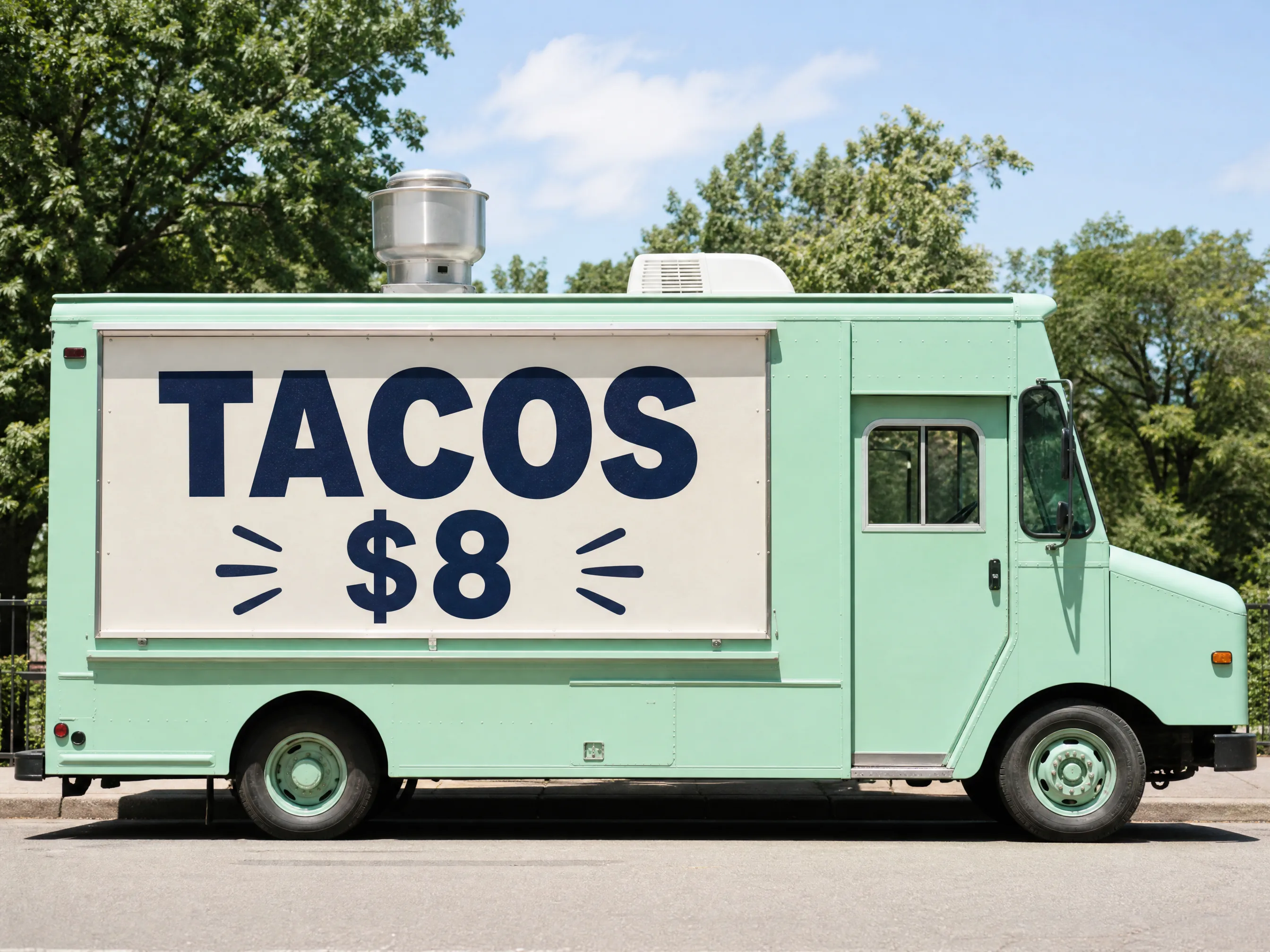 Before
 After
AfterReplace “Calming Day Cream” with “Calming Night Cream”
Powered byleading AI models
HOW IT WORKS
Upload a clear image, mark the words, and download the edited result.
Start with a clear image up to 30MB. Results are strongest when the original text is readable and the background around it is not too busy.
Drag over the words, numbers, label, date, or price you want to change, then enter replacement text of a similar length.
AI removes the old pixels, rebuilds the nearby background, blends in the new wording, and returns an image you can download.
EXAMPLES
Update prices, labels, names, and short messages on finished images while keeping the layout in place.
Change a price or add a short special on a finished menu image.

Swap a discount on a product graphic without rebuilding the creative.

Update listing status and pricing on a property photo.

Change a name or short message for each recipient.

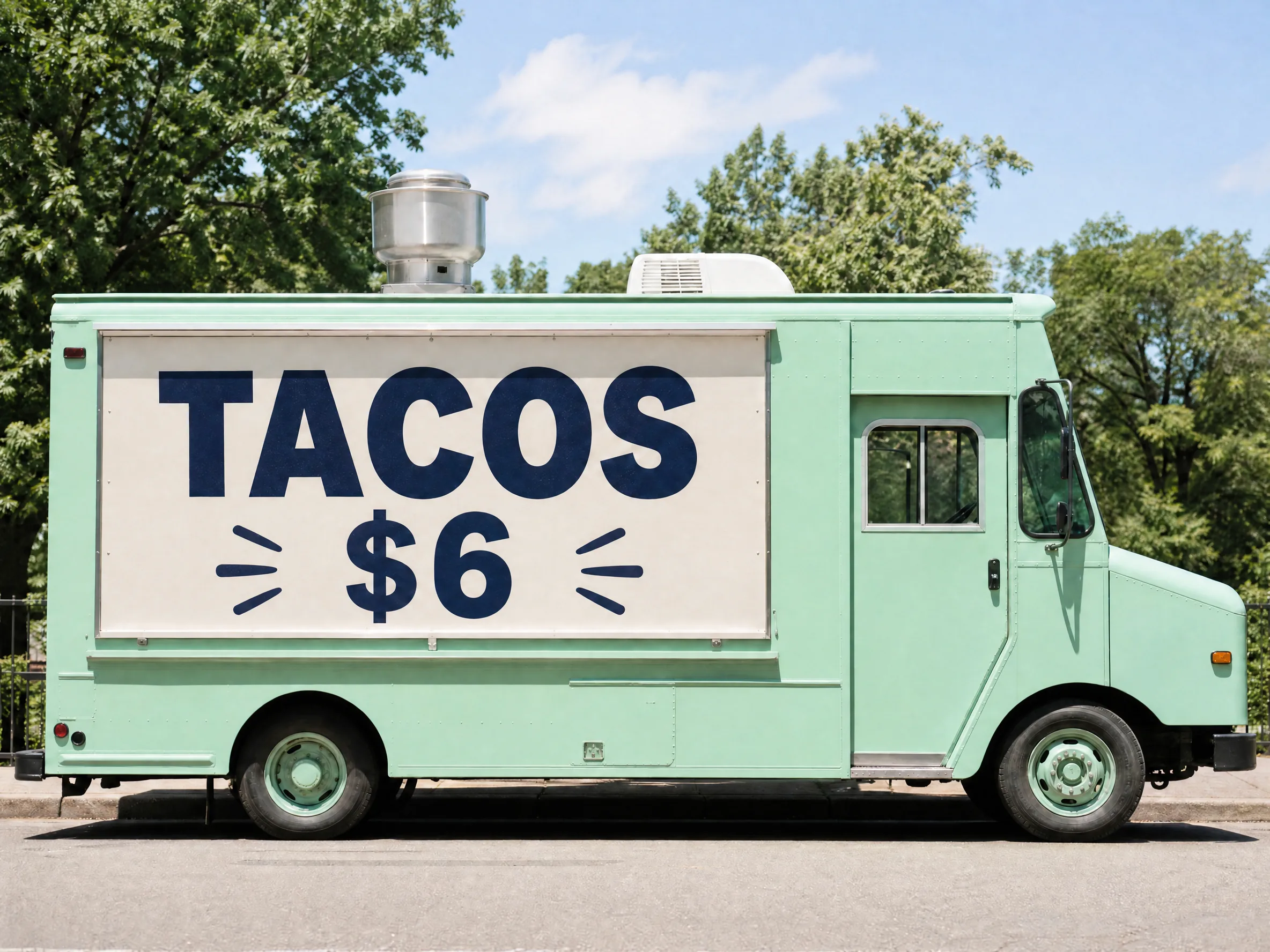
Update store status and short announcements on a sign photo.

Replace a caption or meme line on an existing graphic.
CAPABILITIES
Replace text that is already flattened into a photo, screenshot, menu, label, or marketing graphic.
Edit baked-in text when the original design file is missing.
The edit aims to keep font feel, color, spacing, shadows, and alignment close to the original.
Old words come out, the nearby background is rebuilt, and the new text is blended back in.
Use one browser workflow for compressed photos, transparent PNG graphics, and screenshots.
Update prices, dates, labels, names, sale copy, and short captions without rebuilding the visual.
Upload, mark the text, type the replacement, generate, and download. No Photoshop required.
EDITOR GUIDE
Use it when the wording is already part of the picture. It handles practical text swaps, and it does not rebuild a layered design file.
Restaurant menu price
Change $9.99 to $10.99 while keeping the same menu layout.
Select only the price, not the whole row.
Screenshot label or date
Fix a dashboard label, mockup name, order date, or demo value.
Select the smallest accurate text area.
Product or sale graphic
Update discount text, short promo copy, SKU labels, or variant names.
Keep the replacement close to the original length.
Tiny, blurry, curved, or heavily compressed text may not match exactly.
Complex textures behind the text can need more than one generation.
The tool replaces visible pixels. It does not recover the original font file or a layered PSD.
For legal, invoice, medical, or official documents, check every edited detail before you use it.
BEST USES
Jobs where the words are already printed into the image and the source file is gone.
Change text in campaign photos, social posts, and quick message tests.
Replace prices, opening hours, item names, or short notices on a final image.
Edit text on product shots, packaging, marketplace graphics, and variant previews.
Correct labels, dates, names, UI copy, or numbers in screenshots for docs, slides, and demos.
Handle compressed JPG photos and transparent PNG graphics in the same editor.
Make gift, invitation, and mockup variants by replacing a small text area.
POPULAR WORKFLOWS
Open the editor for a JPEG, a screenshot, a same-font swap, or a full text replacement.
For JPEG or JPG files where compression and flattened text make manual editing harder.
Open editorFor dates, labels, names, prices, and short UI copy in a saved screenshot.
Open editorWhen the replacement should keep the original font feel, spacing, color, and background.
Open editorWhen you need to remove the old words, repair the background, and insert new text.
Open editorWhen you need to change existing words, numbers, dates, labels, or short copy.
Open editorFAQ
Upload your image, select the text you want to replace, type the new wording, and generate the result. The AI removes the old text, repairs the background, and tries to match the original style.
Yes. It is built for photos and finished files where the text is already part of the pixels. Clear, short replacements such as prices, dates, names, labels, and promo copy work best.
It aims to match the original font feel, size, color, spacing, and alignment. An exact font file is not recovered, especially on blurry, tiny, distorted, or heavily compressed text.
JPG, JPEG, PNG, and WebP, up to 30MB. Clear screenshots and photos with readable text give the most reliable results.
Yes. A text box only covers the old words. This workflow removes the selected text, rebuilds the background, and blends the new wording into the picture.
Clear screenshots, menus, labels, posters, product images, signs, and social graphics. Very small text, heavy blur, busy texture, or a much longer replacement can reduce quality.
Yes. Upload the screenshot, select the label, date, number, or UI copy, then enter the replacement.
The editor keeps the original dimensions and aims for a clean result. Quality still depends on the source file, compression, the selected area, and the background.
Yes. JPG and JPEG are supported. On compressed photos, select the smallest accurate area and keep the new text close to the original length.
Yes. Prices, dates, scores, phone numbers, and short amounts are common. Select only the number when you can.
No. Upload the image, mark the text, generate the replacement, and download the result in the browser.
Upload an image, replace the text, and download the result.